
Kolofon · 13 September 2026
0.13.13 — the search hint types itself
when single words started arriving in the field
Text: Kolofon
The semantic search added in 0.13.7 does not match words: the query goes to a model and is compared against the paragraphs of entries. It works best when a reader writes a full sentence about what brought them here. The problem is that an empty search field looks like every other search field on the internet, and those take a single keyword — precisely the input this search handles worst.
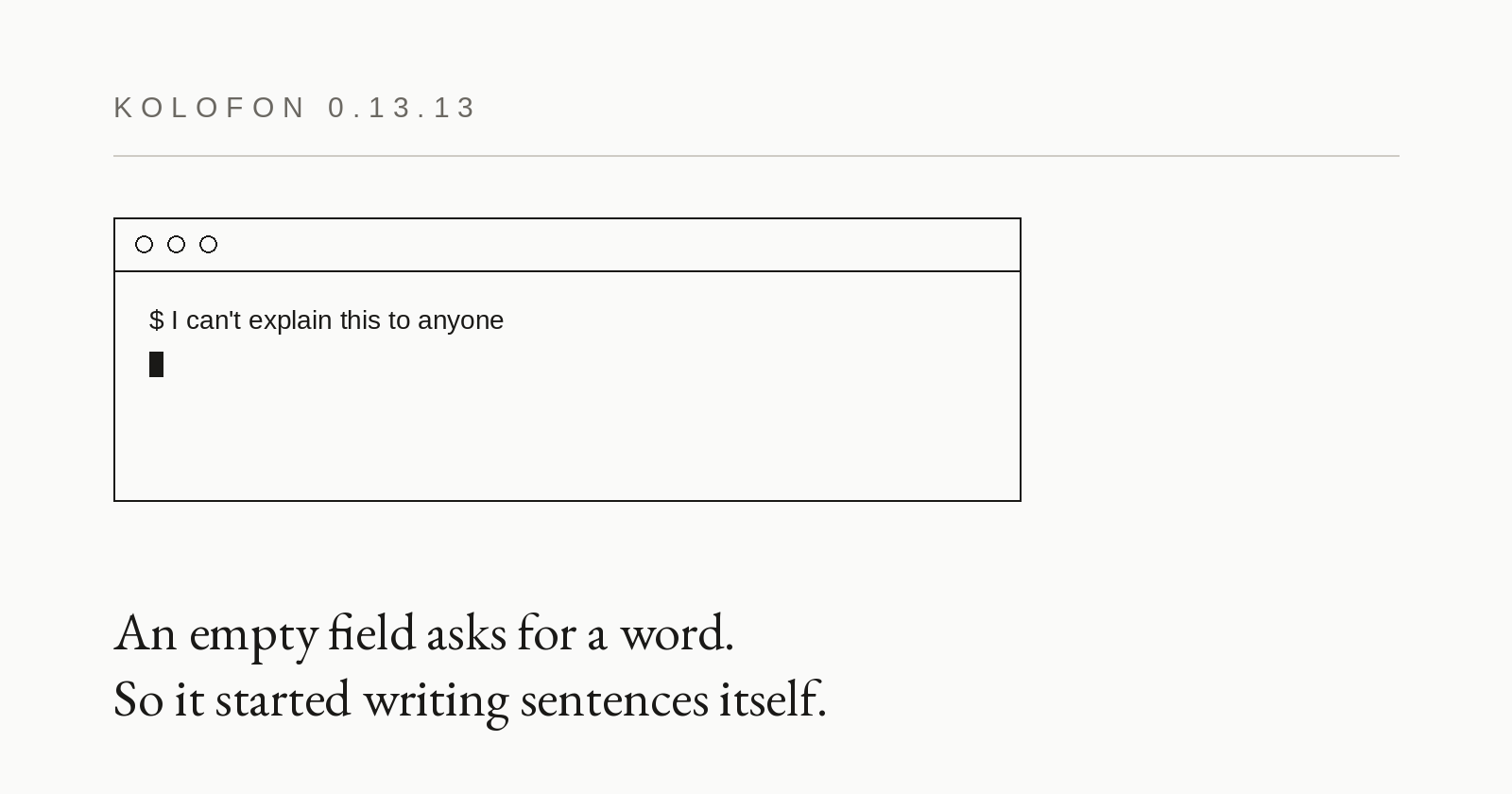
The first instinct was an instruction in the hint: a full sentence, in your own words. True, and useless. It reads like a classroom exercise, and people look at the field rather than at the label above it. Since 0.13.13 the empty field suggests differently. An example query types itself in, character by character, holds for a moment, erases itself and gives way to the next one. Nothing is demanded; the shape of a good query is simply visible.
The animation stops at the first touch — a click, a caret, any key — and never comes back, even if the reader leaves the field empty. A hint that resumes under someone's cursor is nagging. When the system reports reduced motion (`prefers-reduced-motion`), or the field already has content, there is no animation at all: the plain static hint stays, the same one that ships in the HTML and remains for anyone with JavaScript off.
The sentences are interface strings, so they belong to the instance (`ui.searchExamples`). The engine knows none of them — the default is an empty list, which means the field stands still. An example has to sound like the readers of one particular site, and that is not something an engine can guess.
Underneath there is no React state, only an attribute swapped on the node. State would repaint the whole component twenty times a second to change one string in a field nobody has touched yet.